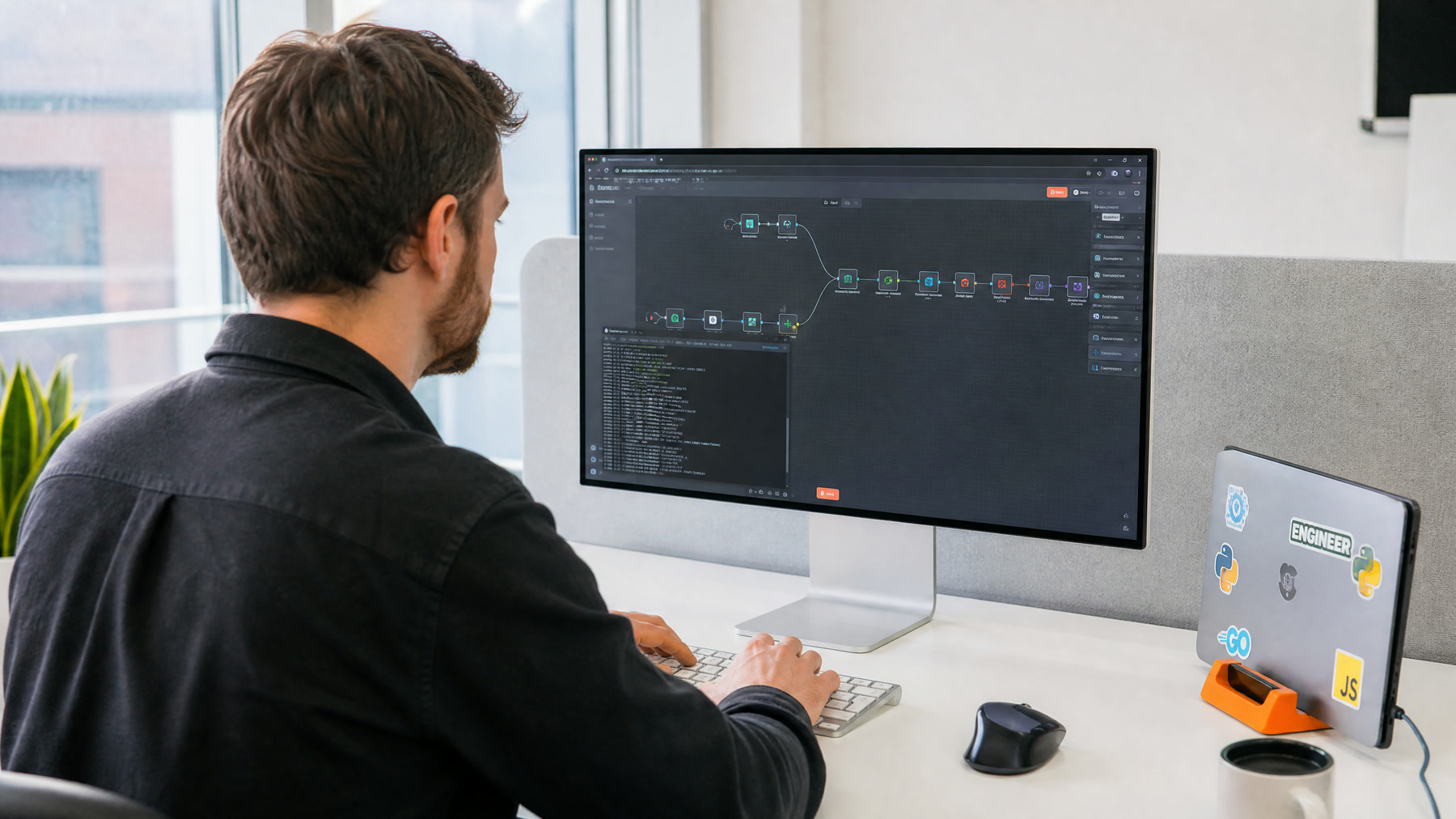
n8n Connects the Work Around the AI
n8n is well suited to the systems around an AI workflow. The AI interprets a message, extracts information, or decides which tool to use, while n8n moves data between forms, CRMs, calendars, databases, notifications, and approval steps.
n8n also has a built-in AI Agent node. An agent can choose among tools you connect, such as looking up a customer, checking a calendar, or creating a ticket, and can use memory to keep context across a conversation.
Agent or Fixed Workflow?
| Use fixed workflow steps when | Use an AI agent when |
|---|---|
| The steps are always the same | The right steps depend on what the input says |
| Rules are clear and deterministic | Inputs are messy or conversational |
| Mistakes are costly | Mistakes are low-impact or reviewed |
| You need predictable cost and speed | Some variation in path is acceptable |
Many good designs combine both: fixed steps for intake, validation, and writing to systems, with an AI step or agent only where interpretation is needed.
Building Blocks in n8n
- Triggers: webhooks, forms, schedules, email, chat, and app events
- AI Agent node: connects a chat model, tools, and memory
- Tools: other n8n nodes or workflows the agent can call, such as a CRM lookup or calendar check
- Memory: keeps context across messages in a conversation
- MCP servers: connect agents to external tool servers
- Human-in-the-loop for tools: require a person to approve before the agent runs specific tools
Example Workflows
Lead Intake and Routing
A web form triggers the workflow. An AI step classifies intent and urgency, fixed steps validate required fields and create or update the CRM record, a consented follow-up text goes out, and the right salesperson is notified.
Support Triage Agent
An email arrives. An agent reads it, looks up the customer and recent orders with its tools, drafts a reply from your help content, and creates a ticket. Replies to sensitive topics wait for human approval.
Voice AI Back End
A voice agent sends an end-of-call webhook. n8n validates the data, updates the CRM, books follow-up tasks, and alerts staff for urgent calls. See the n8n stack we use in production.
Require Approval for Risky Tools
n8n can pause an agent and ask a person to approve or deny before it runs selected tools, with the request sent through channels such as Slack or the n8n chat interface. Use this for anything that sends external messages, changes records, deletes data, or spends money. Start with approval on, and remove it only for tools with a proven track record.
Production Safeguards
- Separate development and production instances or credentials
- Store credentials in n8n's credential system with least-privilege access
- Add an error workflow with alerts
- Use unique IDs so retries do not create duplicates
- Limit agent loops and tool calls to control cost
- Log every tool call and its result
See our error-handling checklist.
How to Measure It
- Successful workflow runs
- Time saved per completed process
- Error and retry rates
- Approval rates for gated tools
- Time to detect and fix a failure
Bottom Line
Use n8n for the reliable plumbing, and use AI agents only where interpretation adds value, with human approval on risky tools. Start with one business-critical flow, give it an owner, and reuse the pattern once it is stable. See our n8n automation agency page.
Official documentation
Platform capabilities and implementation details can change. These official references help readers verify the guidance in this article.
- Integrate AI from n8n Docs
- AI Agent node from n8n Docs
- Human-in-the-loop for tools from n8n Docs