Short answer
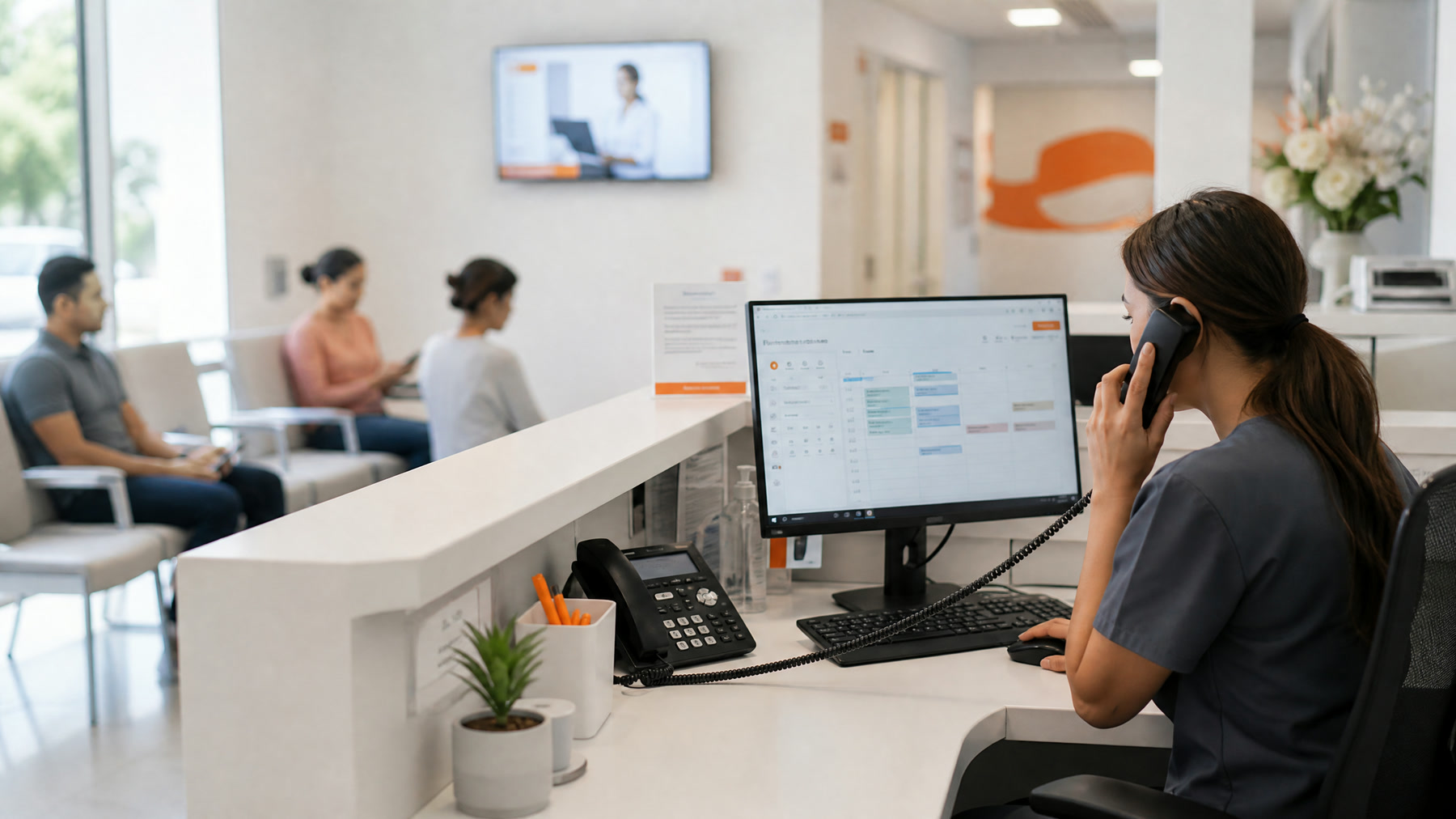
A front desk is usually overloaded by the same handful of tasks: answering routine questions, booking and rescheduling, reminders, and collecting intake details. Those tasks are predictable, which makes them good candidates for automation. The goal is not to remove the front desk but to give it back time for the patients and customers standing in front of it.
Find where the time goes
Spend one week tallying interruptions before choosing what to automate.
Automate routine calls
An AI receptionist answers the questions staff answer twenty times a day, so the desk handles fewer interruptions.
Automate booking and rescheduling
Booking is the most time-consuming routine call. An AI agent can book into your real availability by phone or text.
Automate reminders and intake
These are the easiest wins because they follow the same steps every time.
Keep people where they matter
Automation works best when everyone knows what it will not do.
Weigh the cost
The Bureau of Labor Statistics puts the median receptionist wage at $18.27 an hour as of May 2025. The real comparison is not AI versus a person; it is how much of your team's paid time goes to tasks software can do.
FAQs
Will automation replace my receptionist?
In most small businesses, no. It removes repetitive work so your receptionist can focus on people at the desk, complex calls, and problems that need judgment.
What should we automate first?
Whatever your one-week tally shows takes the most time. For most offices, that is booking and rescheduling calls or reminder calls.
Will patients or customers accept it?
Most people want a fast answer and an easy booking. Keep a short disclosure and an easy way to reach a person, and acceptance is rarely the problem.
Does it work with our scheduling software?
Usually, if the software has an API or calendar connection. Some tools require a higher plan for API access, so check before you compare costs.
How long does setup take?
A focused workflow, such as reminders or after-hours booking, usually takes two to four weeks including testing.
Sources
Vendor documentation we checked. Plans and API access change, so we confirm them again before quoting.
- Receptionists: Occupational Outlook Handbook (U.S. Bureau of Labor Statistics)