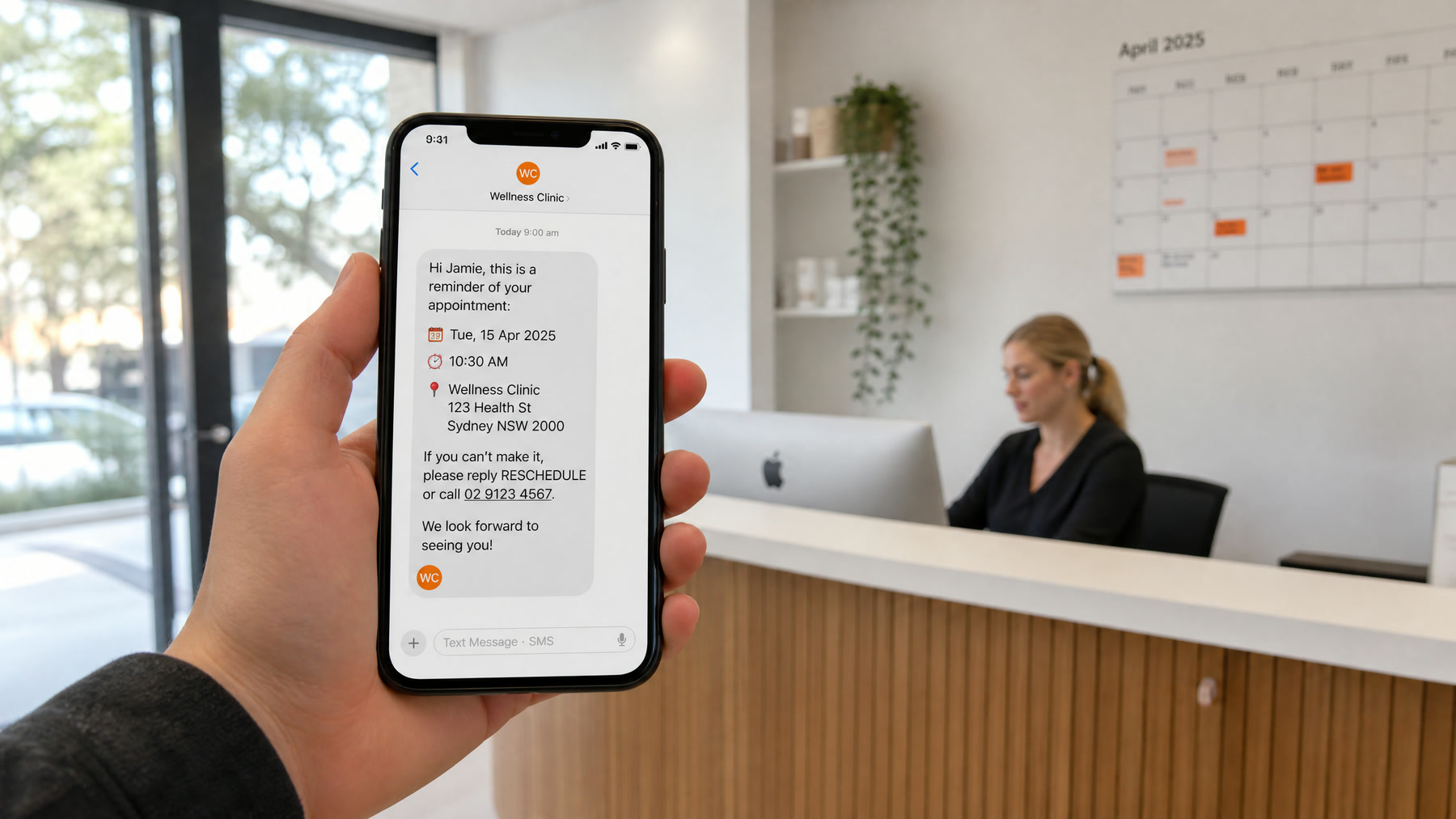
No-Shows Are a Workflow Problem
No-shows usually happen because the confirmation workflow is weak, not because customers do not care. People book, forget, lose the message, need to reschedule but cannot reach anyone, or never receive a reminder in the channel they actually use.
AI appointment reminders help because they do more than send one generic text. They hold a short conversation, take the reschedule, and refill the slot.
What No-Shows Cost You
Estimate it with your own numbers:
- Weekly no-shows × average appointment value = revenue lost each week
- Plus staff time spent calling no-shows and rebooking
- Plus the customers who never rebook at all
For example, a clinic with 8 no-shows a week at $150 per visit loses about $1,200 a week, before counting staff time. Your numbers will differ, but the exercise usually makes the case on its own. See reducing appointment no-shows for more.
What AI Reminders Can Do
- Send text reminders at the right times before the appointment
- Call customers who have not confirmed
- Let customers confirm, reschedule, or cancel without staff involvement
- Fill cancelled slots from a waitlist
- Update the calendar automatically
- Alert staff when a high-value appointment is at risk
The goal is not to pester customers. The goal is to make it easy to confirm, reschedule, or cancel early, while there is still time to fill the slot.
Reminder Timing
Start with a sequence like this and adjust based on results:
| Business type | Suggested sequence |
|---|---|
| Dental and medical | Confirmation at booking, text 2 days before, text or call 1 day before if unconfirmed |
| Salons and med spas | Confirmation at booking, text 2 days before, text on the morning of |
| Home services | Confirmation at booking, text the day before with the arrival window, "on the way" text |
| Consultations and sales calls | Confirmation with calendar invite, reminder 1 day before, reminder 1 hour before |
Voice calls work best for customers who have not responded to texts and for high-value appointments.
Sample Scripts
Text, two days before: "Hi Sam, this is Oak Street Dental. You're scheduled for a cleaning on Thursday, Oct 15 at 2:30 PM. Reply C to confirm or R to reschedule."
Voice call for an unconfirmed appointment: "Hi, this is the virtual assistant from Oak Street Dental, calling for Sam about tomorrow's appointment at 2:30. Will you still be able to make it, or would you like to pick a new time?"
Keep reminders short, name the business first, and make the next step obvious.
Rescheduling Matters More Than Reminding
Many reminder systems fail because they only say "Please confirm." If the customer cannot make it, they still have to call during business hours, and many simply do not show up.
An AI reminder can ask:
- Would you like to confirm or reschedule?
- Which day or time works better?
- Do you need directions or preparation instructions again?
- Would you like to speak with someone on our team?
That turns a likely no-show into a saved appointment.
Fill Cancellations From a Waitlist
When someone cancels, the system can contact waitlisted customers in priority order and offer the open slot. The first person to confirm gets it, and the others are told it has been filled. This works especially well for dental practices, clinics, salons, med spas, and service appointments with long lead times.
Choose the Right Channel
- Text for most reminders, because it is quick and easy to answer
- Voice for unconfirmed, high-value, or older customers who prefer calls
- Email for detailed preparation instructions and calendar invites
Store each customer's preferred channel and use it.
US Rules to Follow
- Healthcare reminders: HHS guidance says providers may leave appointment reminders on answering machines, but should limit the details, for example the practice name, a callback number, and what is needed to confirm. Avoid mentioning the reason for the visit in voicemails.
- Automated calls and texts: reminders are informational, and customers usually give consent when they book, but calls using an AI voice still fall under the TCPA. Keep promotions out of reminders and honor opt-outs. See our TCPA guide for AI voice calls.
- Text registration: register your business texting number through A2P 10DLC so reminders are delivered rather than filtered.
This is general information, not legal advice.
Make Your Policy Clear
If you charge a cancellation or no-show fee, state it at booking and in the reminder, politely. Customers are far more likely to reschedule in advance when the policy is clear and rescheduling is easy.
Metrics to Track
- Confirmation rate
- No-show rate, before and after launch
- Reschedule rate and how far in advance changes happen
- Same-day cancellations
- Slots refilled from the waitlist
- Staff hours spent on reminder calls
Bottom Line
Reducing no-shows is not about sending more reminders. It is about giving customers an easy way to confirm, reschedule, or cancel early, and refilling the slots that open up. AI reminders work best when they connect text, voice, your calendar, and staff handoff. If you want this set up, our AI appointment booking service includes reminders and rescheduling, and our guide to building a booking agent shows how the pieces fit.
Official documentation
Platform capabilities and implementation details can change. These official references help readers verify the guidance in this article.
- May physician's offices or pharmacists leave messages for patients at their homes? (FAQ 198) from U.S. Department of Health and Human Services
- What is A2P 10DLC? from Twilio