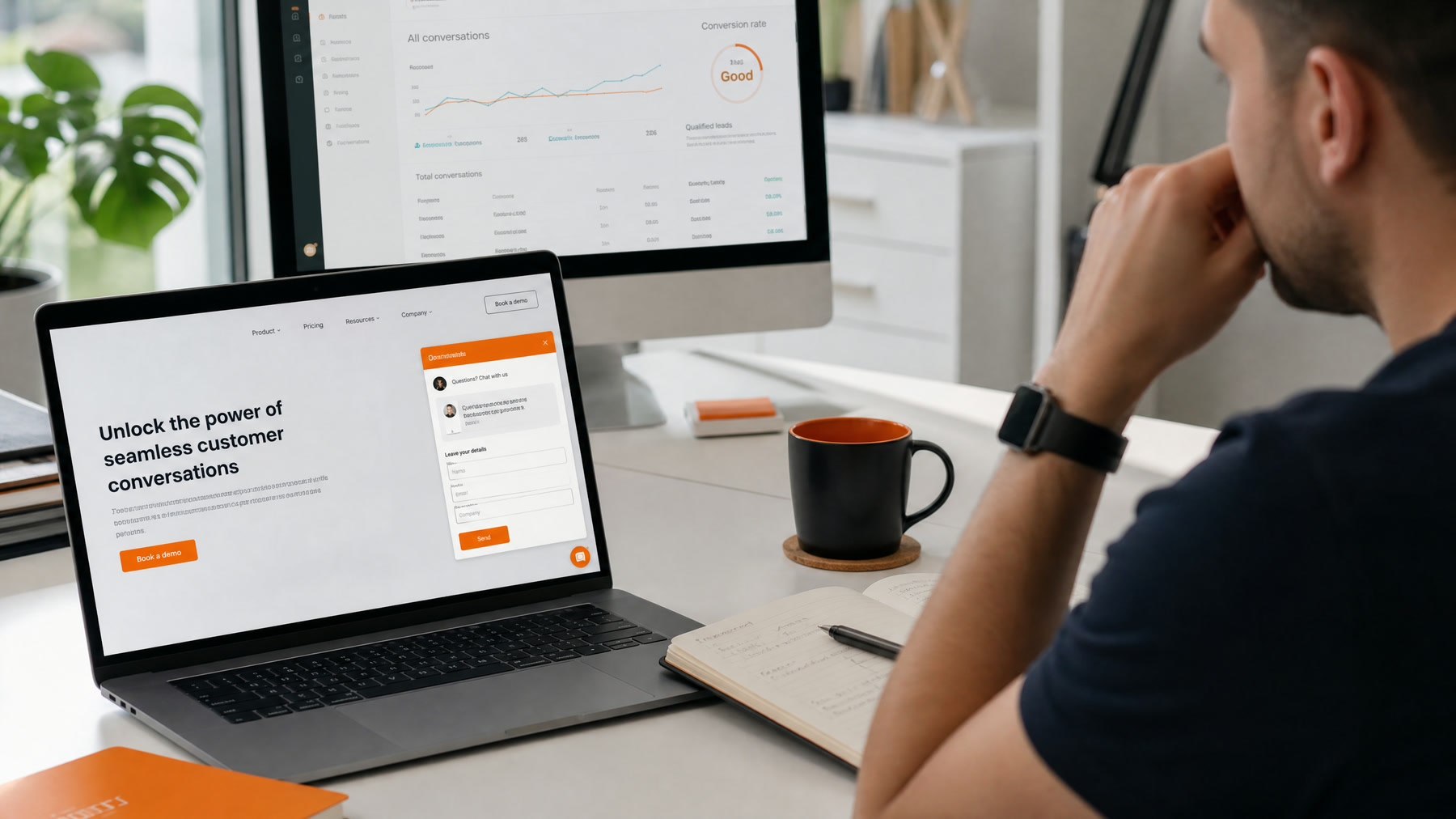
Website Chat Should Help Buyers Move Forward
Bad chatbots interrupt. Good AI chatbots answer questions and remove friction. The difference is whether the bot is built around what visitors are trying to do, or around what the business wants to collect.
A visitor on your pricing page at 10 p.m. has a question. If the chatbot answers it well and offers a clear next step, you get a lead you would otherwise have lost. If it demands an email address before saying anything useful, the visitor closes the tab.
Chatbot vs. Form vs. Live Chat
| Contact form | Live chat | AI chatbot | |
|---|---|---|---|
| Answers questions instantly | No | Yes, when staffed | Yes, 24/7 |
| Qualifies leads | Only through form fields | Yes | Yes |
| Books meetings | Rarely | Sometimes | Yes, when connected to your calendar |
| Staff time | Low | High | Low after setup |
| Works after hours | Collects only | Usually not | Yes |
Most businesses keep the form and add an AI chatbot, rather than replacing one with the other.
What the Chatbot Should Know
- Services, who they are for, and pricing ranges
- Case studies and typical results
- FAQs and common objections
- Booking availability
- Qualification criteria
- Industries and locations you serve
The chatbot should answer from your approved content, not from the open internet. That is what keeps it accurate. Our RAG chatbot guide explains how to ground answers in your own material.
Where to Place It
Put the chatbot where intent is high: pricing, service pages, comparison pages, and the contact page. Avoid a pop-up that opens itself the moment someone lands on your homepage. A small launcher with a specific prompt, such as "Questions about pricing? Ask here," performs better than a generic "Hi! How can I help?"
On mobile, make sure the chat window does not cover the page content or your call button.
When to Ask for Contact Details
Do not ask immediately. First answer the visitor's question or help them choose a path. Ask for contact details when there is clear intent: a quote request, a booking, an audit, a demo, or a detailed recommendation they want sent to them.
Qualification Without Interrogation
Ask one question at a time and keep it conversational:
- Visitor: "Do you build AI receptionists for dental offices?"
- Bot: "Yes. Most dental projects start with after-hours calls and booking. How many locations do you have?"
- Visitor: "Two."
- Bot: "Thanks. What scheduling software do you use?"
- Visitor: "Dentrix."
- Bot: "Got it. The best next step is a 20-minute call to map your call flow. Would you like to pick a time?"
Four questions, each with a reason, and the visitor never feels interrogated.
Get Consent for Follow-Up
If your team will call or text the lead, collect consent at the point of capture with clear language next to the phone number field. US rules on automated calls and texts are strict. Our TCPA guide explains why the wording matters.
Connect the CRM
Every qualified conversation should create or update a CRM record with:
- Name, email, and phone
- Source page and campaign
- A short summary of what they asked about
- Their answers to qualification questions
- A lead score or stage
- The recommended next step and owner
Without this, the chatbot becomes another inbox nobody checks. See our CRM automation guide.
Respond Fast to Hot Leads
When the chatbot identifies a hot lead, alert your team immediately, or trigger an AI callback if the visitor consented to calls. The first business to respond usually wins the conversation. See speed to lead.
Human Handoff
Always offer a direct route to book a call or message the team. The chatbot should speed up sales, not block access to people.
What to Measure
- Engagement rate: visitors who start a conversation
- Lead rate: conversations that share contact details
- Qualified rate: leads that meet your criteria
- Meetings booked from chat
- Unanswered questions: topics the bot could not handle, which tell you what content to add
Common Mistakes
- Opening a pop-up before the visitor has read anything
- Asking for an email before answering a single question
- Letting the bot guess at prices or promises
- No CRM connection, so leads sit in the chat tool
- Never reviewing transcripts after launch
If you want a chatbot built around your sales process, see our AI chatbot lead capture service and the chatbot development cost guide. For the build-or-buy question, read custom AI chatbot vs. off-the-shelf.