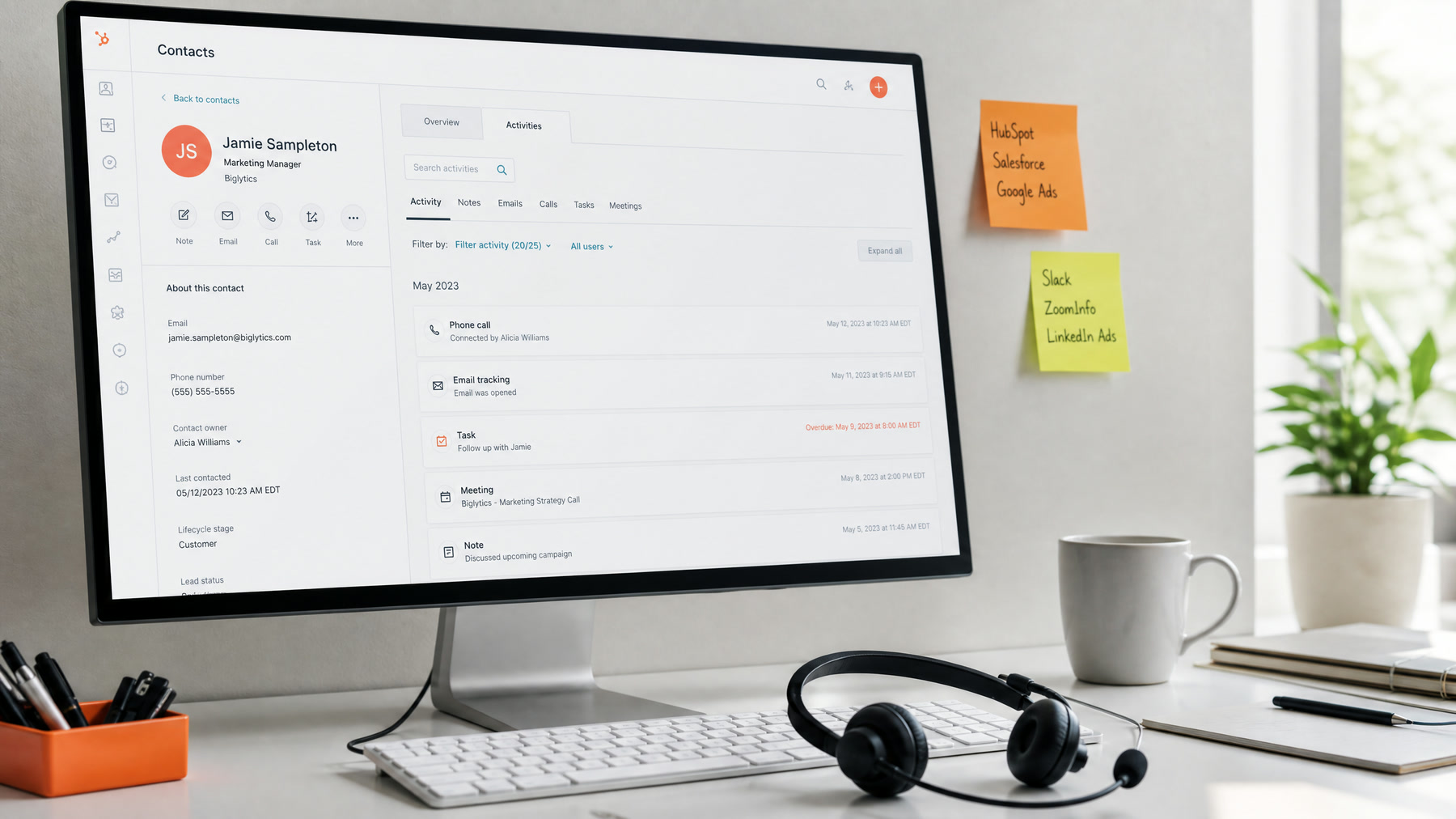
Why CRM Integration Makes Voice AI Valuable
A voice AI agent that only answers calls is useful. A voice AI agent that updates your CRM is far more valuable, because every conversation becomes structured data your team can act on:
- A new contact is created, or an existing one updated
- The lead source is captured
- A call summary is attached
- A deal or opportunity moves forward
- An owner is assigned
- A follow-up task or sequence starts
That is where voice AI becomes part of your sales and operations, rather than another inbox.
How the Data Flows
A typical integration works like this:
- The call ends, and the voice platform sends an end-of-call webhook with the transcript, summary, and extracted fields.
- The integration layer, such as n8n, a small service, or a native connector, validates the data.
- It looks up the caller by phone number and email, then creates or updates the contact.
- It logs the call as an activity with the summary and a link to the transcript or recording.
- It updates the deal, opportunity, or pipeline stage if the call changed something.
- It creates tasks or alerts for staff, and starts any follow-up sequence.
- Any failure goes to an alert and a review queue.
Some data is needed during the call, not after. If the agent greets returning customers by name or checks their next appointment, it needs a fast lookup by caller ID while the call is live.
What to Sync
Do not sync everything. Sync the fields that help staff act:
| Call data | HubSpot | GoHighLevel | Salesforce |
|---|---|---|---|
| Caller phone and name | Contact properties | Contact fields | Lead or Contact fields |
| Call summary | Logged call activity | Note on the contact | Task logged as a call |
| Reason for calling | Custom property | Custom field or tag | Custom field |
| Booking made | Meeting and deal stage | Calendar appointment and opportunity stage | Event and opportunity stage |
| Lead score or urgency | Custom property | Custom field | Lead rating or custom field |
| Transcript or recording link | Call activity | Note | Task field or link |
The CRM should be cleaner after AI, not messier.
Avoid Duplicate Contacts
Duplicates are the most common integration problem. Phone calls usually give you a phone number but not an email, and CRMs differ in how they match records. HubSpot, for example, automatically deduplicates contacts by email address, not phone number. So:
- Normalize phone numbers to one format, such as +15125550123, before searching or saving
- Search by phone number first, then by email if the caller gave one
- Update the existing record when you find a match, rather than creating a new one
- Flag uncertain matches for review instead of guessing
HubSpot
HubSpot works well for service businesses, agencies, clinics, and B2B teams. A voice agent can create contacts, log calls, update lifecycle stages, create deals and tasks, and notify reps.
Common workflows:
- A new caller creates a contact with the call logged against it
- A qualified lead creates a deal in the right pipeline
- A booked appointment moves the deal stage forward
- Missed-call recovery records the original source
- Hot leads trigger a Slack or email alert to the owner
See our HubSpot voice AI integration page.
GoHighLevel
GoHighLevel is popular with local businesses and the agencies that serve them. Voice AI can update contacts and opportunities, book into GoHighLevel calendars, add tags, and trigger workflows that send texts and move leads through pipelines. Agencies managing several clients should keep each client in its own sub-account with separate settings.
Strong use cases:
- Missed-call text-back and AI callback
- Appointment booking from ad leads
- Lead qualification and pipeline updates
- Reactivation campaigns to past customers
See our GoHighLevel voice AI integration page and a med spa missed-call case study.
Salesforce and Custom CRMs
Salesforce and custom CRMs need more planning. Decide up front:
- Whether new callers become Leads or Contacts
- Which objects and fields the integration may write to
- How owners are assigned, and which validation rules apply
- What permissions the integration user has, keeping them minimal
Test in a sandbox with realistic records before connecting production. See our Salesforce voice AI integration.
Avoid These Mistakes
- Creating duplicate contacts on every call
- Dumping full transcripts into fields people read every day; link to them instead
- Assigning every lead to the same person
- Moving stages without checking that the call actually supports it
- Triggering follow-up before the call is finished
- No alerts when the integration fails
Test Before Launch
- New caller, existing caller, and caller with a different number than on file
- A booking, a reschedule, and a cancellation
- A call that ends abruptly
- A CRM outage, to confirm alerts fire and data is not lost
- Owner assignment for each lead type
Bottom Line
Voice AI becomes powerful when calls turn into clean CRM actions. Start with a few high-value fields, prevent duplicates, test with real scenarios, and add alerts for failures. If you want help connecting your CRM, see our CRM follow-up automation service or the AI CRM automation guide.
Official documentation
Platform capabilities and implementation details can change. These official references help readers verify the guidance in this article.
- Deduplication of records from HubSpot Knowledge Base